Why Prototyping Tools Matter
Prototyping tools aren’t optional anymore — they’re essential. When you’re designing an app or website, you can’t just hand over static mockups and hope developers understand your vision. You’ve got to show how it actually works.
The gap between a beautiful design file and a working product is where things get messy. Interactive prototypes bridge that gap. They let you test ideas before you write a single line of code, save time in development cycles, and catch problems early when they’re cheap to fix.
Good prototyping tools do three things really well: they’re fast to learn, they don’t require coding knowledge, and they create output that stakeholders actually understand. You’re not making something for other designers — you’re making something that communicates with the whole team.

Educational Information
This guide provides informational content about prototyping tools and techniques. Tool availability, features, and pricing change frequently. We recommend checking the official websites of specific tools for current information, system requirements, and trial options. Different teams have different needs — what works for one project might not be ideal for another.
Core Features You Actually Need
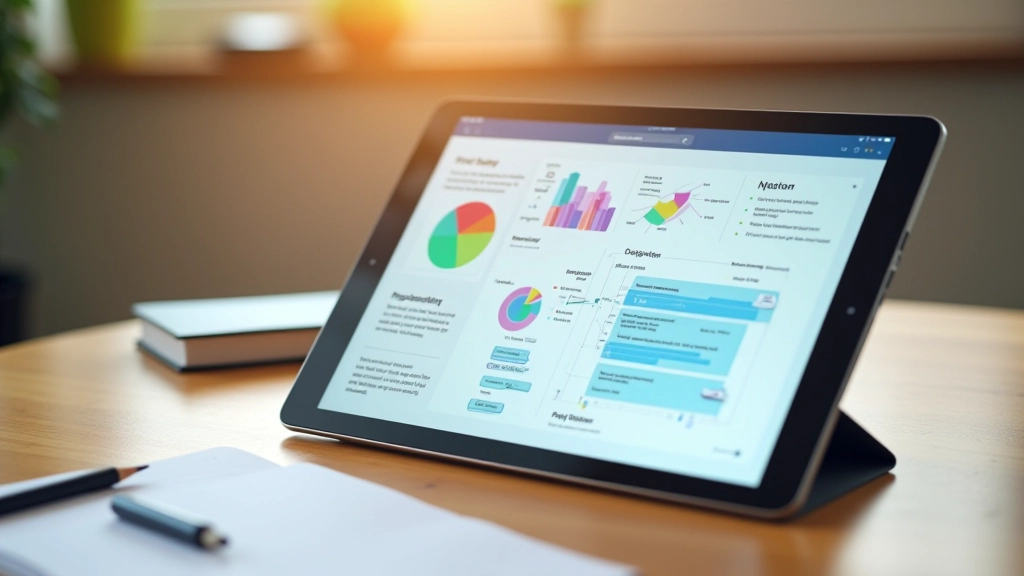
Don’t get overwhelmed by feature lists. Most prototyping tools share the fundamentals. You need: artboards to organize your screens, a way to connect screens together with interactions, and the ability to test on actual devices or in a browser.
Animation support is valuable but not always critical at the start. Some tools excel at gesture-based interactions (swiping, scrolling, pinching). Others are better for click-through flows. A few handle micro-interactions beautifully. Pick based on what your project actually requires.
Here’s what separates good tools from great ones: collaboration features. Can your team work on the same prototype? Can you share prototypes for feedback without people needing accounts? Can you see comments from stakeholders? Team tools cut review time in half. That matters.
Building Effective Interactive Flows
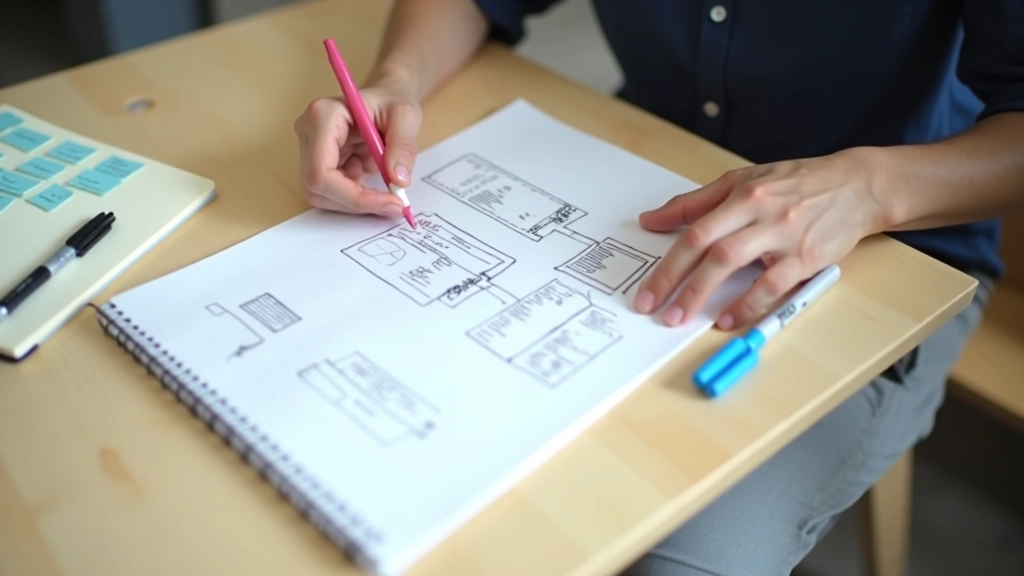
Creating a prototype isn’t about making every detail pixel-perfect. It’s about showing the journey. How does a user get from the login screen to the dashboard? What happens when they click that button? Does the page scroll or does a modal pop up? These decisions matter.
Most teams make the same mistake: they over-prototype. They spend weeks polishing interactions that don’t matter while missing the core flow. Start simple. Get the main user journey working. Then add refinement where it actually impacts the experience.
The best prototypes include micro-interactions. When someone submits a form, does the button show a loading state? When they delete something, is there an undo option? These tiny details make prototypes feel real. They’re also the things developers miss most often when they’re reading static designs.
Getting Developer Buy-In

Here’s the real challenge: getting developers excited about your prototype. Developers aren’t ignoring your design because they’re difficult. They’re moving fast and they need clarity. A good prototype shows them exactly what you want, not what you think is pretty.
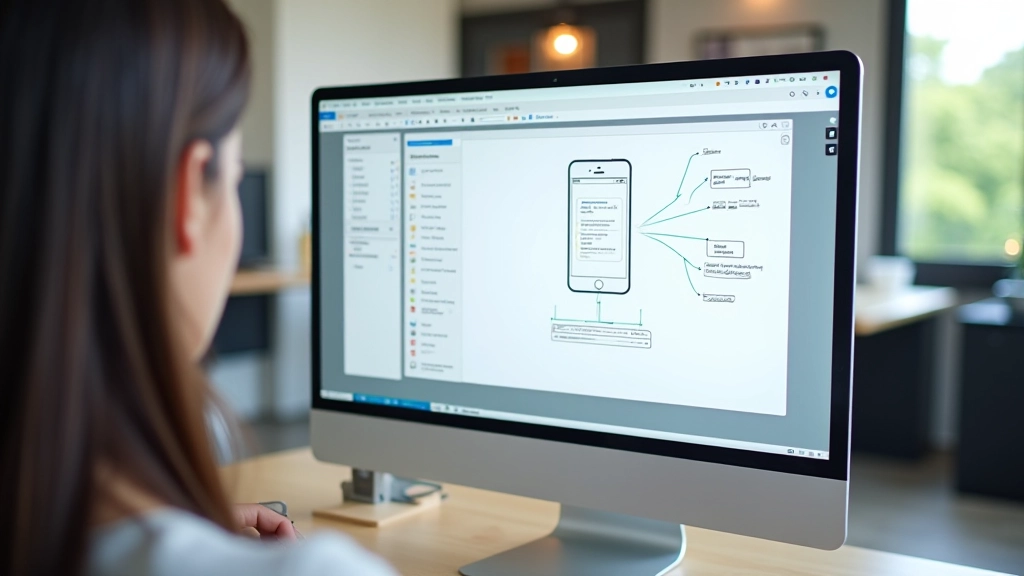
Document the flow. Add notes to complex interactions. If you’re using animations, explain why. Is that 300ms transition essential or just nice-to-have? Developers make trade-offs between beauty and performance all the time. When you help them understand your priorities, they build better products.
The strongest prototypes include user research insights. “We tested this with 12 users and they all got confused by the original flow” is way more convincing than “I think this works better.” Show the why behind your design decisions. That’s when developers stop viewing prototypes as suggestions and start treating them as requirements.
Practical Implementation Tips
Organize with Components
Create reusable components early. Buttons, cards, navigation — if you’re using them multiple times, make them components. Changes ripple across your whole prototype instantly.
Test on Real Devices
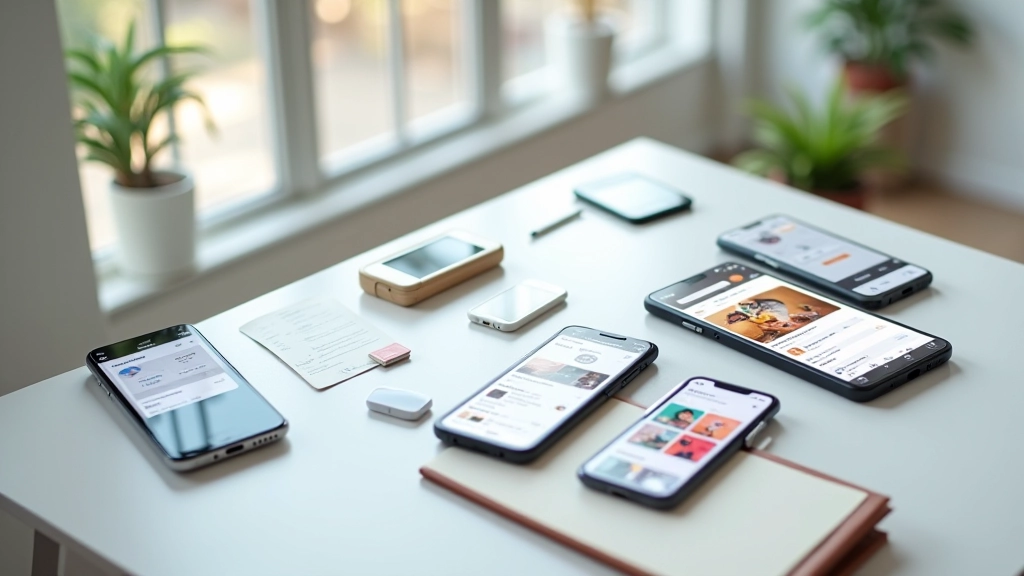
Don’t just view in the browser. Test on actual phones. Screen sizes, touch targets, and performance feel completely different when you’re holding the device.
Share Early and Often
Don’t wait until the prototype is perfect. Share rough versions with your team. Get feedback when changes are still easy. That’s the whole point.
Export and Document
Your prototype should be viewable without special software. Most tools let you export as HTML or create shareable links. Make it accessible to everyone who needs it.
The Path Forward
Prototyping tools aren’t magic. They’re just tools. What matters is how you use them. Start with a tool that fits your team’s size and workflow. Don’t chase the latest trendy tool — stick with something reliable. Build interactive prototypes that tell a story about how your product works. Share them early. Get feedback. Iterate.
The best designers aren’t the ones with the fanciest prototyping software. They’re the ones who can quickly test ideas, gather feedback, and improve. Prototyping tools let you do that at speed. Use them well, and you’ll ship better products. Use them poorly, and you’re just adding steps to your design process.
Master these tools, and you’ll become invaluable to your team. Developers will actually look forward to seeing your prototypes. Stakeholders will understand your vision instantly. That’s when design becomes powerful.
Ready to explore more about design in Southeast Asia?
Browse all UI & Mobile Design Resources